Download the aqqqq APK and Play From Your Android Phone
APK File Details and Direct Download
Everything you need to know before you tap the button. All figures are from the latest release.
Only download from this page (aqqqq.net). Third-party APK sites may carry modified files.
Games Available in the App


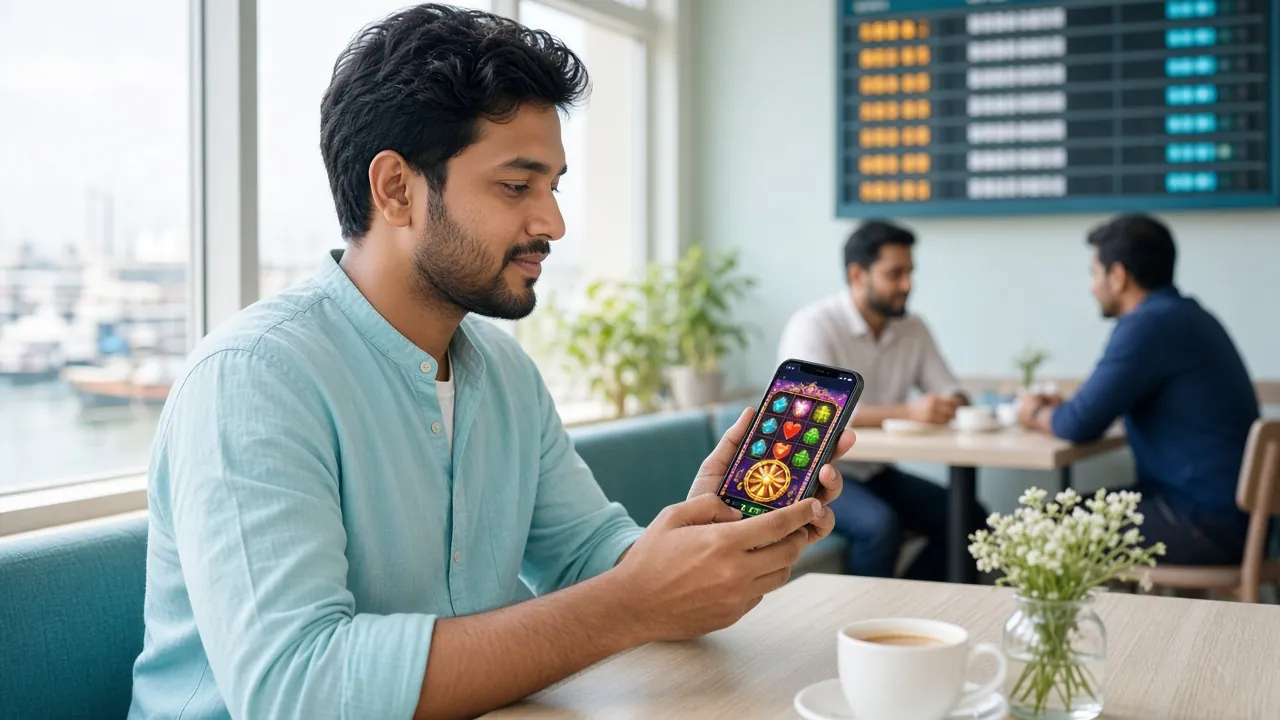
The app gives you access to all games in the aqqqq lobby — slots, fishing arcade, live tables and cricket markets. Same account, same wallet as the desktop site.
No App for iPhone? Add to Your Home Screen Instead
Apple does not allow APK files, but Safari's "Add to Home Screen" gives you an icon that opens the site like a native app — no installation required.
-
1
Open aqqqq.net in Safari
Use Safari specifically. Chrome and Firefox on iOS do not support the Add to Home Screen shortcut properly.
-
2
Tap the Share icon
Find the square with an upward arrow at the bottom centre of the screen, then tap it.
-
3
Select "Add to Home Screen"
Scroll down the share sheet until you see this option, then tap it.
-
4
Confirm the name and tap Add
You can rename it "aqqqq" for quick access. Tap "Add" in the top-right corner to confirm.
-
5
Open from your home screen
Tap the new icon any time to launch the site in full-screen mode. Log in and start playing.
How to Install the APK on Android
Android 8.0 or above is required. The process takes about two minutes from download to first game.
-
1
Allow installs from unknown sources
Go to Settings → Apps → Special App Access → Install Unknown Apps. Find your browser (Chrome or the default browser), then toggle "Allow from this source" on. This one-time setting lets Android accept APK files from outside the Play Store.
-
2
Download aqqqq.apk
Tap the "Download APK" button on this page. The file (52 MB) will save to your Downloads folder. Keep the screen on during the download — a stable Wi-Fi or 4G connection is recommended.
-
3
Open the APK file
Open your phone's Files or Downloads app. Tap aqqqq.apk. Android will show an install prompt. Tap "Install" and wait about 15 seconds for the installation to finish.
-
4
Open the app and log in
Tap "Open" on the success screen, or find the aqqqq icon on your home screen. Enter your username and password. If you do not have an account yet, tap Register — it takes under two minutes.
-
5
Deposit and start playing
Tap Deposit, choose bKash, Nagad, Rocket or another method, and add at least ৳150. Your balance shows in the app instantly after the transaction confirms — usually within 2 minutes. See the deposit guide for a full walkthrough.
What You Can Do in the App
The app covers every main feature of the full site — optimised for a phone screen and Bangladesh's mobile networks.
One-tap login
Save your credentials and open your account with a single tap. No need to type a password every time — faster than opening a browser and navigating to the site.
Deposit and withdraw with bKash or Nagad
Switch between bKash, Nagad, Rocket, Upay or bank transfer inside the app. Deposits land in about 2 minutes. Withdrawals process in roughly 32 minutes.
Live casino and cricket betting
Stream live dealer tables from Evolution and Ezugi. Bet on cricket markets — IPL, BPL, T20 and ODI — all inside the same app with real-time odds updates.
Push notifications for bonuses and matches
Get notified when a new promotion goes live or a cricket match you follow is about to start. You can turn individual notification types on or off in app settings.
24/7 live chat support
Reach the support team directly from the app — no need to open a browser. Live chat is available around the clock, in English and Bangla.
Auto-update notifications
When a new version is out, the app shows a banner with a direct link to the latest APK on this page. You never need to search for updates manually.
APK vs Browser: Which Should You Use?
Both the aqqqq APK and the mobile website give you the same games and balance. Here is where they differ in practice.
| Feature | aqqqq APK | Mobile Browser |
|---|---|---|
| Load speed after first open | Faster — assets cached locally | Reloads from server each visit |
| Data usage per session | Lower — interface does not reload | Higher — full page reload each time |
| Push notifications | Yes — bonus and match alerts | No push (browser tabs only) |
| One-tap login | Saved credentials | Depends on browser password manager |
| Works offline (lobby) | Partial — menu cached, games need data | No offline access |
| Installation required | Yes — 52 MB APK download | No install needed |
| Suits whom | Daily players, cricket bettors, bKash users | Occasional visitors, iOS users |
The APK is the better choice if you open aqqqq more than once a week. The browser version is fine for a quick check.
Install Not Working? Common Problems and Fixes
Most installation errors have a straightforward fix. Check the table below before contacting support.
| Problem | Likely Cause | Fix |
|---|---|---|
| Install blocked by Android | "Install Unknown Apps" is off for your browser | Go to Settings → Apps → Special App Access → Install Unknown Apps. Find your browser and enable it. Then tap the APK file again. |
| "Parse error" message | APK did not download completely, or Android version is below 8.0 | Delete the partial file from Downloads, reconnect to Wi-Fi and re-download the full 52 MB. If your phone runs Android 7 or older, use the browser version instead. |
| "Not enough storage" | Less than 100 MB free on internal storage | Go to Settings → Storage and delete unused apps or media files until you have at least 100 MB free, then retry the install. |
| App crashes on first open | Old version of an earlier install still on the phone | Uninstall any old aqqqq app first (Settings → Apps → aqqqq → Uninstall), then install the fresh APK. Restarting the phone before installing also helps. |
| Download stops midway | Weak mobile signal or browser timeout | Switch to Wi-Fi or move to an area with better 4G signal. Clear the partial download from your Downloads folder, then start the download again from this page. |
If none of these fixes work, open the casino lobby in your mobile browser as a temporary option, and contact 24/7 live chat support with your phone model and Android version.
Using aqqqq on a Budget Phone or Slow Network
The app runs on most mid-range and entry-level Android phones sold in Bangladesh. Here are settings that help on 2G/3G or low-memory devices.
Data & battery checklist
- Turn off auto-play video in app settings — reduces data use by roughly half per session for lobby thumbnails.
- Use Wi-Fi for the initial download. The 52 MB APK will eat a significant chunk of a prepaid data bundle if you are on 3G.
- Close background apps before opening live casino games. Live video streams need steady bandwidth.
- Enable data saver in Android settings (Settings → Network → Data Saver). The app still functions; images load at a lower resolution.
- Play slots or fishing arcade on 2G/3G — these games use much less data than live dealer streams.
- Lower screen brightness while playing to extend battery. The app does not require full brightness to read game details clearly.
- Minimum RAM: 2 GB. On a 1 GB device, close all other apps before launching. If the app freezes, a device restart usually clears it.
Games that work well on slow connections
- Slots (Mines Gold, Phoenix Rises, Piggy Gold) — low data, smooth on 2G
- Fishing arcade (Relax Fishing, Royal Fishing) — moderate data, stable on 3G
- Lottery games (Keno Bonus Number, Lucky Bingo) — very low data usage
- Pre-match cricket betting — text-based odds, works on 2G
- Live casino (Evolution, Ezugi) — needs at least stable 4G or Wi-Fi
If you are on a Grameenphone or Robi prepaid sim with limited data, stick to slots and fishing on a session-by-session basis. Deposit via bKash takes under 10 seconds of data transfer.
Permissions the aqqqq APK Requests — and Why
Android will show a list of permissions during or after install. Here is what each one is for and whether you can deny it without breaking the app.
| Permission | Why it is needed | Can you deny it? | How to revoke |
|---|---|---|---|
| Internet access | Required to load games, odds and account data. The app does not work without this. | No — core function | N/A |
| Camera | Used only if you choose to scan a QR code during deposit or for identity upload. Not used automatically. | Yes | Settings → Apps → aqqqq → Permissions → Camera → Deny |
| Storage / Files | Saves the APK update file and cached images to your phone. Allows faster loading on repeat visits. | Yes (slower loads) | Settings → Apps → aqqqq → Permissions → Storage → Deny |
| Notifications | Sends bonus alerts and match start reminders. You can choose which notification types to receive inside app settings. | Yes | Settings → Apps → aqqqq → Notifications → Off |
| Vibration | Haptic feedback on game events (a win, a fish caught). No sensitive data involved. | Yes | Settings → Apps → aqqqq → Permissions → Vibrate → Deny |
Download only from this page. The official APK is at aqqqq.net/aqqqq-apk/. Files from APK mirror sites or messaging app links may be tampered with. If you received a download link in a WhatsApp or Telegram message, do not use it — come directly to this page instead.
Questions About the aqqqq APK
Answers to what players ask most often before and after installing.
01Is the aqqqq APK safe to install on my phone?
02My phone says "Install blocked" — what should I do?
03How do I update the aqqqq app when a new version is released?
04Can I use the same account on both the app and the browser?
05Does the aqqqq APK work on a Samsung or Symphony phone?
06Do I need to register before downloading the APK?
Welcome Offer
Up to ৳24,500 on your first deposit when you sign up and deposit through the app.
| Minimum deposit | ৳150 |
| Wagering requirement | 7× bonus |
| Bonus validity | 7 days |
| Applies to | All games |
18+ · Terms apply · Play responsibly
Gambling involves financial risk. Only deposit money you can afford to lose. If gambling stops being fun, use the deposit limits and self-exclusion tools in your account settings, or visit our responsible gaming page.